Just a simple password change…

Update: what follows applies to IOS as well, but apparently I had never tried making the mistake described below until now. Yay me?! 

Okay regular readers, don’t freak out, but this post has absolutely nothing to do with voice. Not even a little. But I suggest you go with it because change happens and we love it.  (No, we really don’t love it, that’s just more of my charming sarcasm you’ve grown to know and *actually* love…)

So, changing a password on a Nexus 7K, sounds simple enough, right?  Not something I’ve had to do before (remember, voice engineer last three years), but not something I expected to give me any push back doing.  Yes, well, it seems I was wrong about that.

See, I logged into the shiny N7K and typed:

MYSHINY7K(config)#show run | in sec username 

and got back something like:

username AMYENGINEER password 5 MYAWESOMEPASSWORDHASHVALUE role network-admin

Prompting me to type in something like:

MYSHINY7K(config)#username AMYENGINEER password 5 HEREISMYNEWAWESOMEPASSWORD role network-admin 

And press Enter. And then I got totally sassed by the switch with a message that looked like this:

%String failed to match token pattern at ‘^’ marker.

Huh? Well, fast forward after a few minutes after firing up Google, and I land on this helpful gem from the Cisco Support Forums.  It was just enough information to clue me into the fact that the switch didn’t much care for the 5 after the password in my command string. Oh well, pardon me, let me just try that again Mr. Switch.

MYSHINY7K(config)#username AMYENGINEER password HEREISMYAWESOMEPASSWORD role network-admin 

And sure enough, without the 5 in the command string, my syntax was perfectly acceptable. Note that the 5 does show up in the running-config after.

Now for those of you Nexus gurus who already know this and have known it for ages, please feel free to pat yourselves on the back, as for this Nexus newbie, I’ll be over in the corner wondering what hazing fun the switch has planned for me next.

Published 7/18/2013

I also found this support forum post helpful

PLAR, UCCX, Redirects, oh my…

Typically my UCCX (Unified Cisco Contact Center Express) stories involve much weeping and gnashing of teeth, but here’s one that (mostly) just left me scratching my head for a while.

I got a ticket reporting that a courtesy phone in a lobby was no longer working. After a little digging, I found that this phone was put in place to be a PLAR (private line automatic ringdown) phone, and when users picked up the handset they were greeted with an unfriendly fast busy instead of being courteously and automatically connected to the proper extension.

The phone in question was assigned its own Calling Search Space (CSS) and that CSS contained a single partition with a single translation pattern. This pattern translated “nothing” (meaning the user enters no digits) to an extension, but in typical network discovery fashion, I found that this extension pointed to yet another extension assigned to a different translation pattern and then that was pointed to a UCCX trigger. Yes, because complexity always makes the network run better.

First order of business, simplify. This extra translation didn’t seem likely to be the cause of the issue at hand, but it certainly wasn’t necessary so by pointing the PLAR translation the to UCCX trigger directly I made my life a whole lot easier, which I am a huge fan of doing.

Knowing what I know about UCCX and CUCM hand-offs, I honed in quickly on determining if the CSS of the translation pattern could “reach” the UCCX trigger.  The device calling the UCCX trigger has to have access to the partition the trigger is in otherwise the call isn’t going through, and you’re going to be having a bad day.

In this case, we are actually talking about the CSS of the translation pattern and upon inspection the translation pattern was assigned a CSS that included the partition the UCCX trigger was in.

At this point, I needed to prove to myself that this was a UCCX issue and not a general CUCM issue, so I changed the destination on the translation pattern to my own extension – also in the same partition as the UCCX trigger. Worked like a charm. Definitely looking like UCCX weirdness then…

Quickly tired of grasping at straws, I took some logs from CUCM and threw them into Translator X and Notepad++, both of these tools are awesome and if you are not using them, you should be!

Here’s the line I kept seeing from my CUCM traces, indicating what I first suspected, a CSS issue:

10:03:35.086 |Digit analysis: potentialMatches=NoPotentialMatchesExist

CUCM could not find a potential match for the destination directory number in any partition in the CSS of the translation pattern. Which didn’t make sense. Which is why Contact Center so often makes me wanna cry.

I decided it was time to talk to my excellent friends over at TAC. After reviewing the configuration with the engineer, I was presented with Bug ID CSCso91760* which basically reports that instead of using the CSS on the translation pattern redirecting the call, the hand-off was using the CSS of the originating phone. In our case this meant the CSS being used was the PLAR CSS of the phone – which couldn’t reach anything except that single PLAR translation pattern. Lovely.

The fix was simple enough, though. In UCCX**, just go to the configuration page for the trigger and click the “Show More” button at the bottom.  Then look for Calling Search Space for Redirect under the Directory Number Settings Section. Change the CSS from Default Calling Search Space to whatever CSS you need for the call to go through.

Here’s what you should be looking for in the trigger settings page, you can see that Default Calling Search Space is, well, the default:

redirect

Nothing further required, problem solved. Yay you! Now somebody pass the tissues…

Published July 17, 2013.

*CCO account required

**UCCX version in this case is 8.5, I was too lazy to research if earlier version have this same option box, if you have an earlier version and you don’t see this option, you may want an extra box of tissues.

Cisco Live 2013 Rocked!

2photo 5

You know that person in the office that goes on vacation and then insists on showing you all the pictures and telling you all the stories?  Well, buckle up, I am *that* person for this Cisco Live wrap up episode!

My week kicked off with the Empowered Women session on Sunday afternoon and I have to say this was one of my favorite events.  Historically, the number of women at tech conferences is notably low, but this stroke of genius event filled the room with female engineers and reinforced the notion that the number of women in IT is growing, even if at a slower-than-I-would-like pace. Padmasree Warrior, CTO and Strategy Officer, as well as others gave excellent speeches, and I felt practically giddy at being able to sit across the table from other women and talk technical.

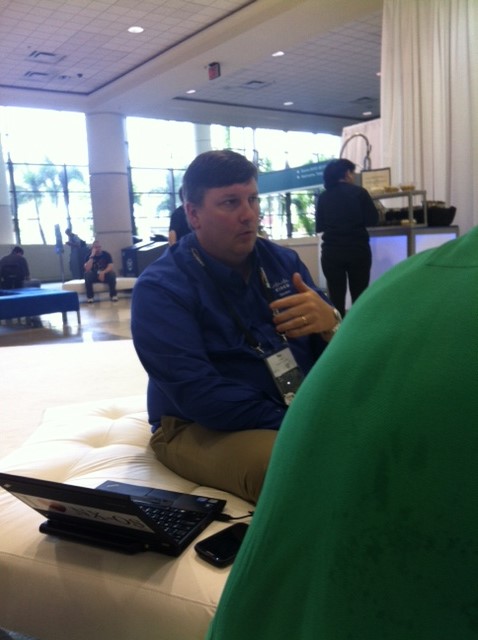
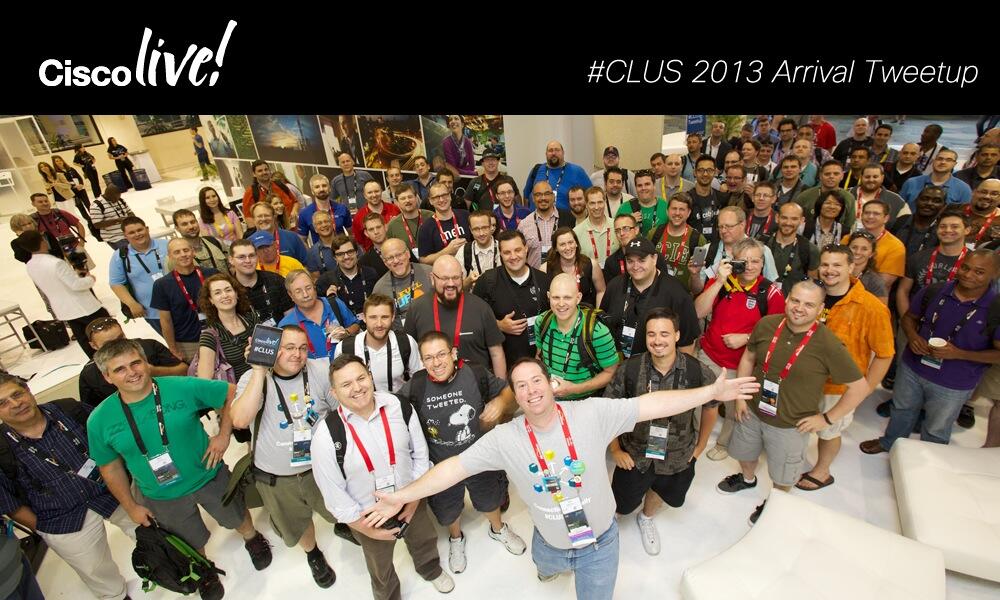
Meeting up with my fellow tweeters and bloggers at Cisco Live always makes the week, and this year was no exception.  The Cisco Social Media team, led by Kathleen Mudge did a phenomenal job keeping all us social media addicts happy with comfy sofas, snacks, and timely answers to any questions we came up with along the way.

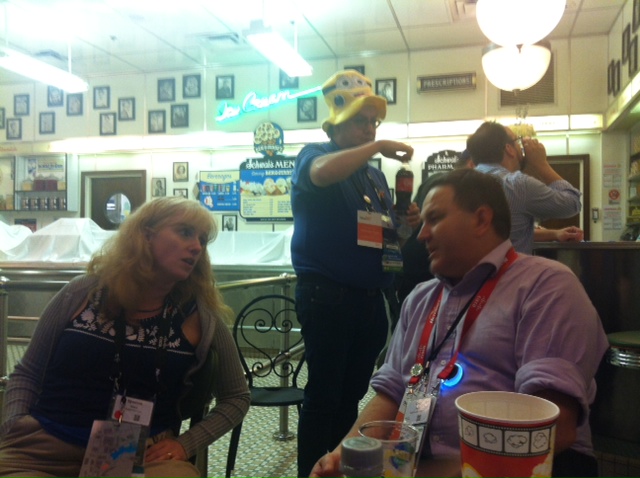
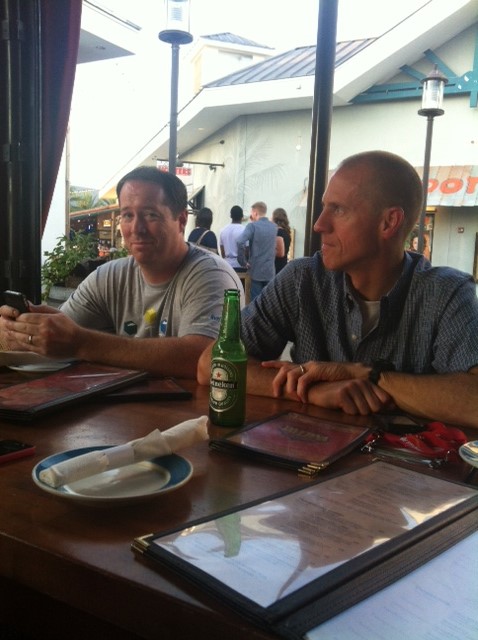
The sessions and events were also quite excellent and rather than bore you with a long narration, I think it’s a good time to share some photos.

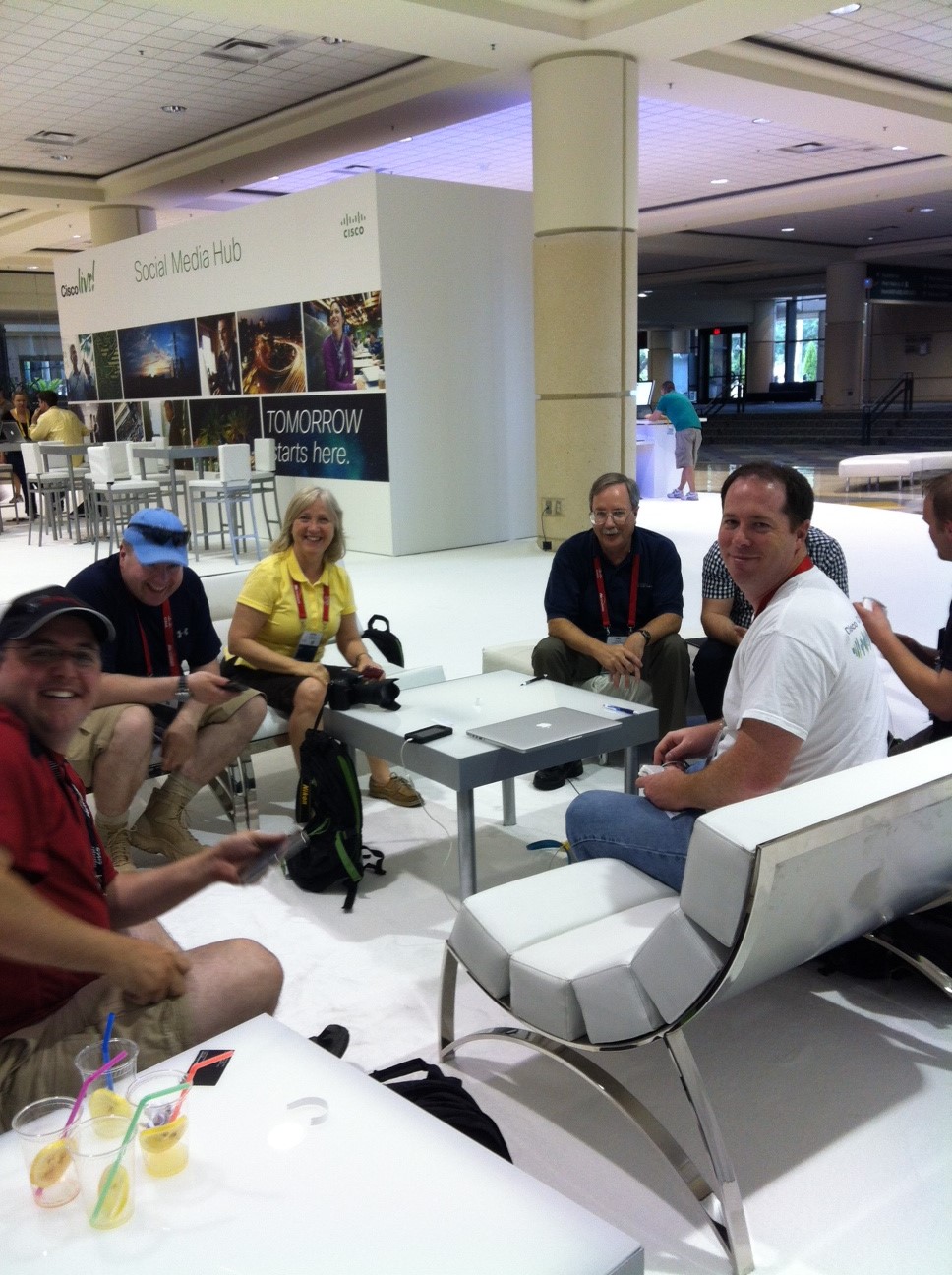
An entire week of technical discussions with fellow nerds, yes please.

photo 3

And how about these awesome faces?

  photo 1

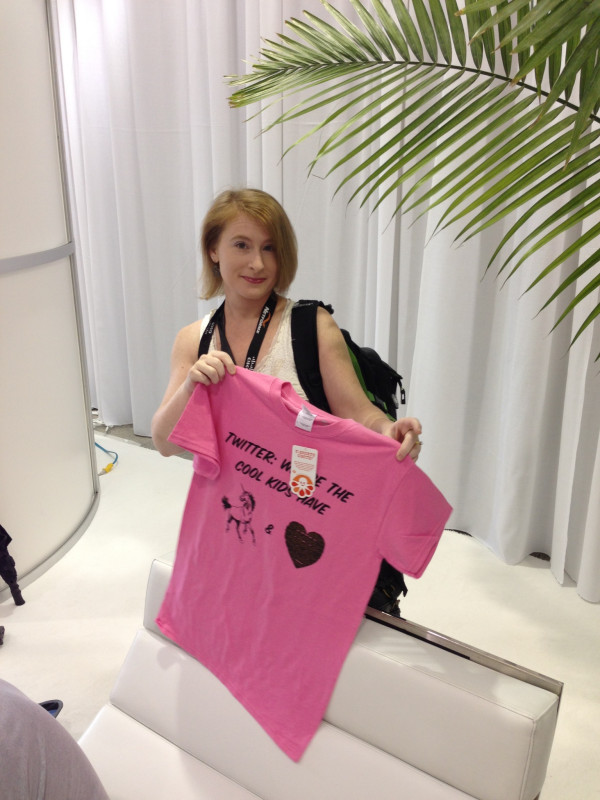
We twitterers even had a shirt this year, obviously I was not a fan of the color.

2photo 2

There were some pretty amazing speakers, many of them authors as well, here’s one of my personal favorites.

3photo 4

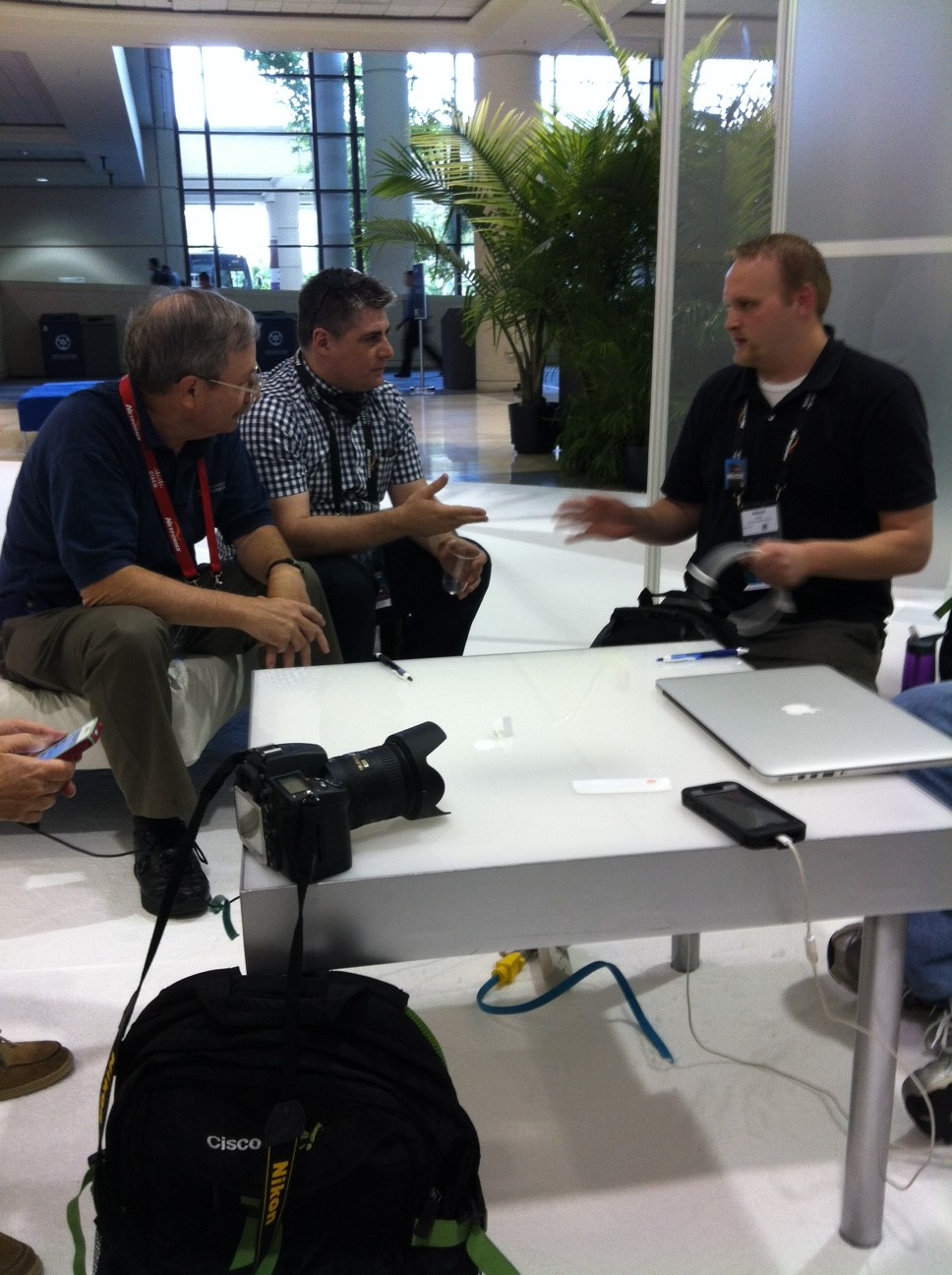
And intense technical discussions were definitely the order of the day, every day.

3photo 3

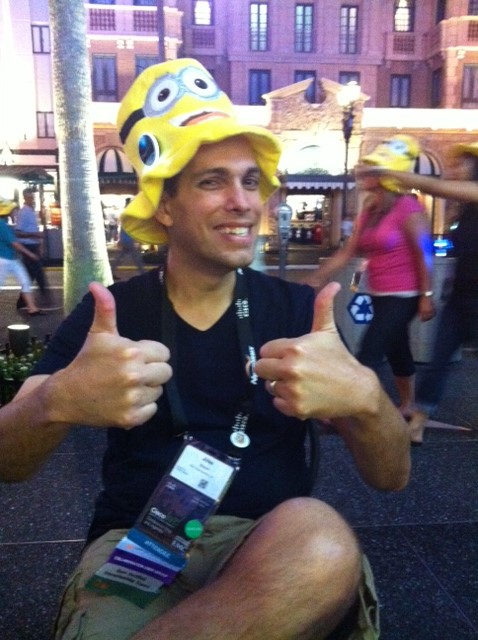
The Customer Appreciation Event at Universal Studios got two thumbs up from this voice guy (and everyone else!)

4photo 4

By the end of the week, the exhaustion starts to show. But we love it…

5photo 4

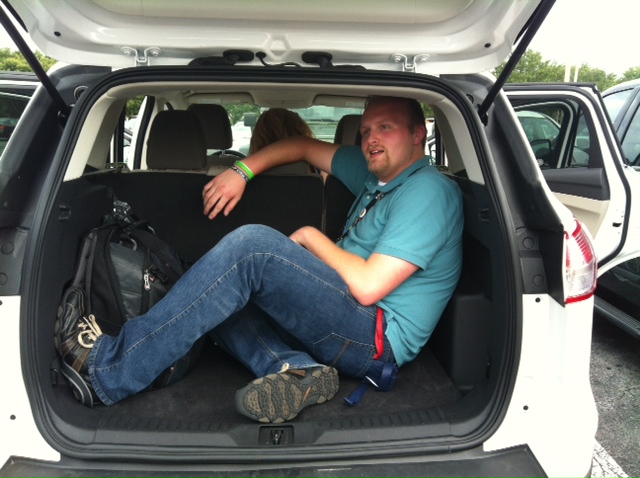
Finally, since this was Ed’s first Cisco Live event, he got to ride in style.

4photo 3

Wanna read more about Cisco Live 2013?  I recommend these posts as well:

Ethan Banks

Tom Hollingsworth

Greg Ferro

A very special thanks to all of you on twitter who make working in networking just that much more awesome!

BNiDe8dCAAAMyoA.jpg large

Bonus that will make your day: Members of the Packet Pushers singing Living on a Prayer, you know you want to click this link

Published 7/01/2013